
Screenshot placeholder
login.png
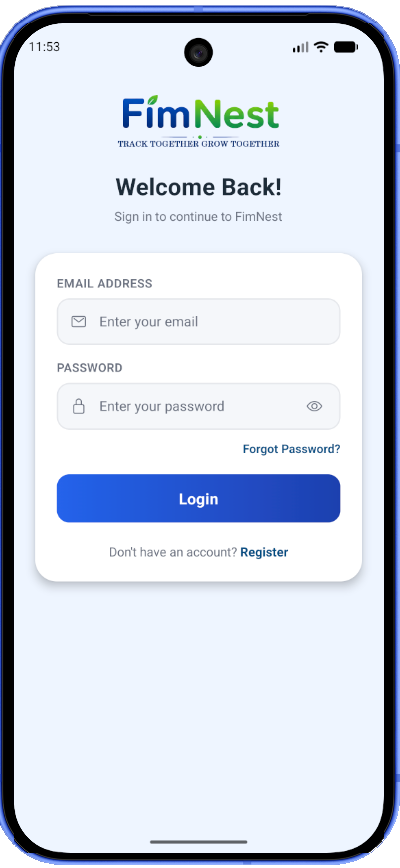
Login
Secure FimNest login screen with email and password authentication.
Explore how FimNest brings family income, expenses, budgets, reports and shared financial management together in one app.
assets/screenshots/ using the exact filenames shown.
The placeholders will automatically be replaced by the real screenshots.
Secure FimNest login screen with email and password authentication.
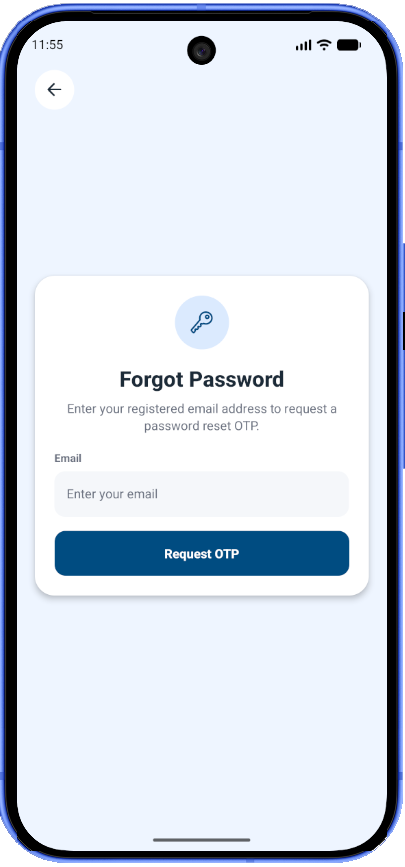
Password recovery screen for requesting account access recovery.
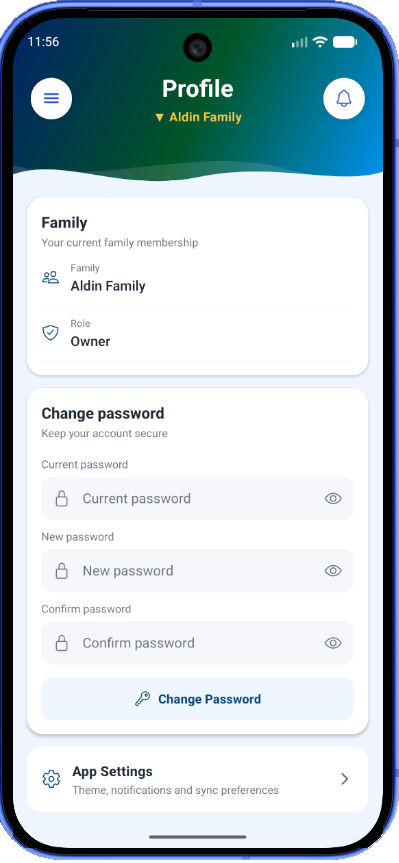
Authenticated password change screen from the user profile.
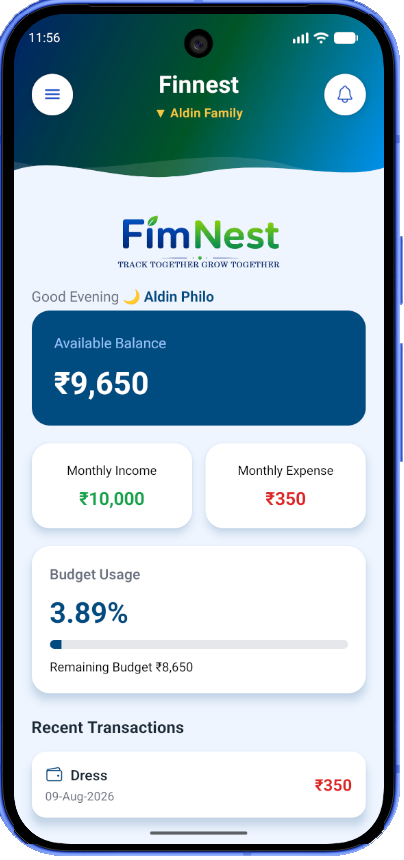
Family finance dashboard showing income, expenses, balance, budget and recent transactions.
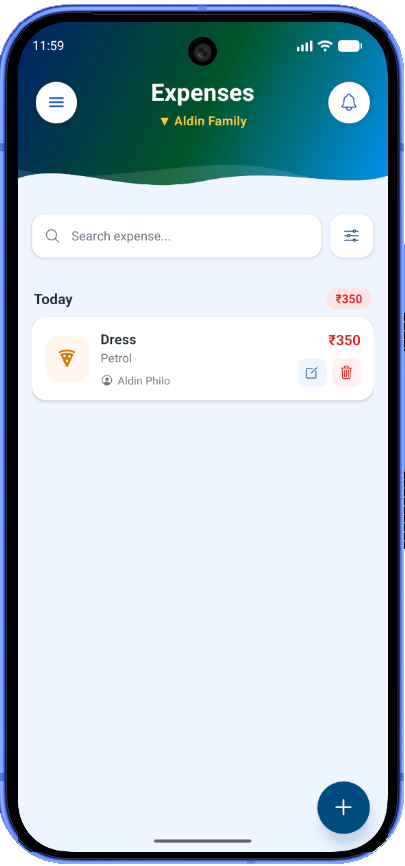
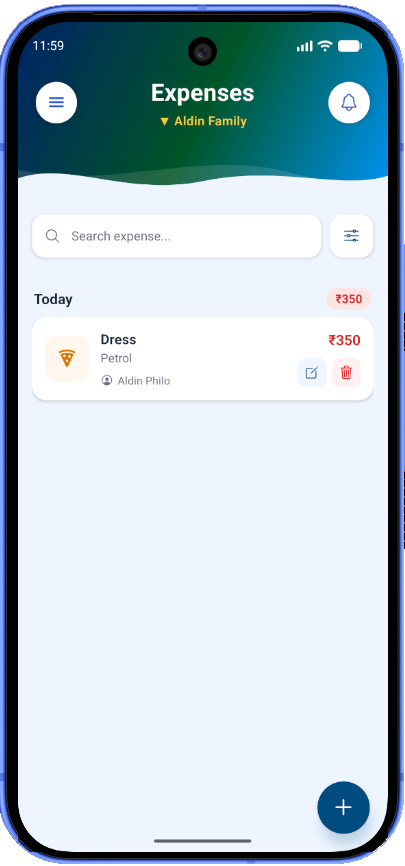
Track expenses by category, amount, date, notes and spending type.
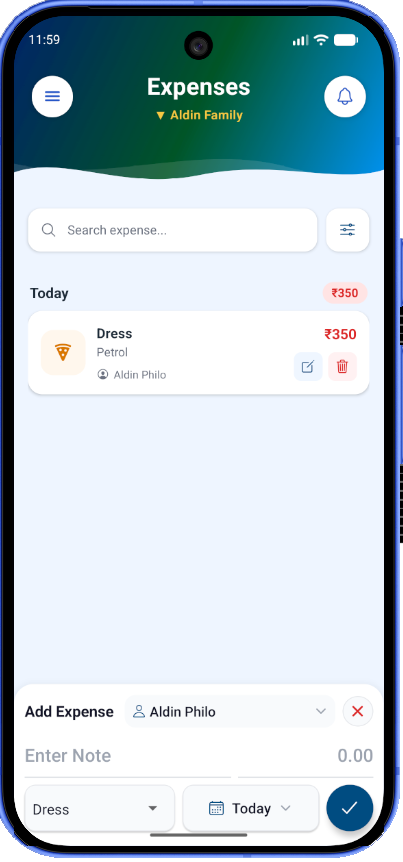
Expense form for recording and editing family spending.
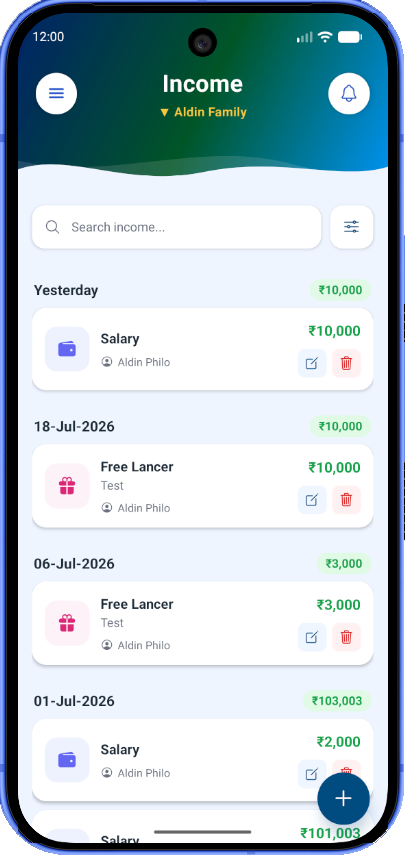
Record and manage monthly income and other earnings.
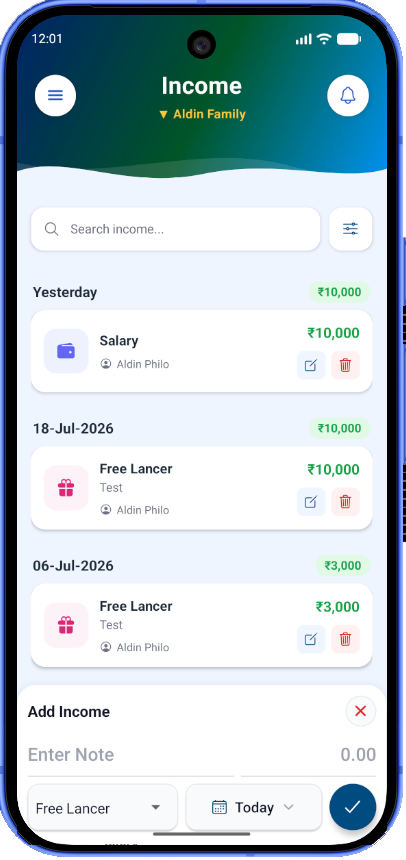
Income form for adding and editing earnings.
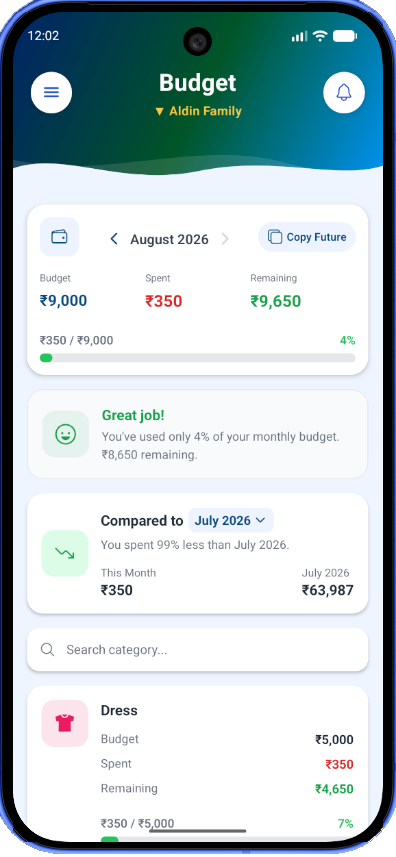
Monthly category budgets with spending, income-based remaining balance and budget insights.
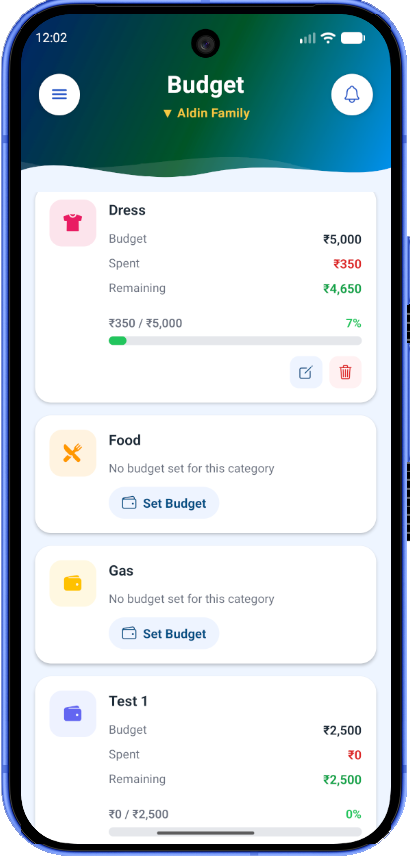
Set or edit a monthly budget directly from a category.
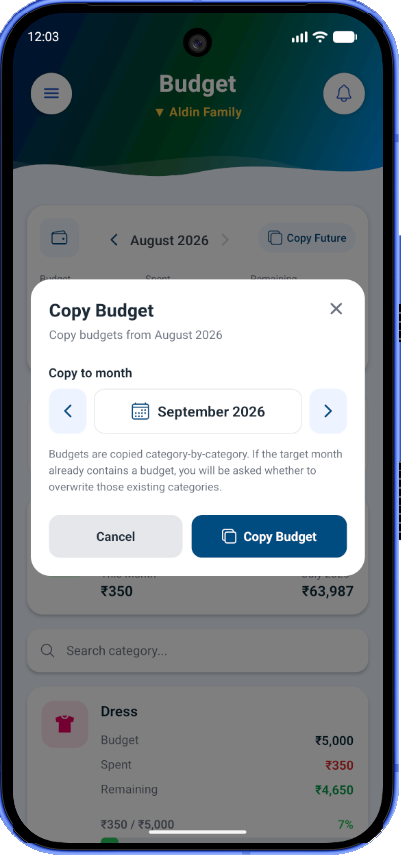
Copy category budgets from one month to a selected future month with conflict handling.
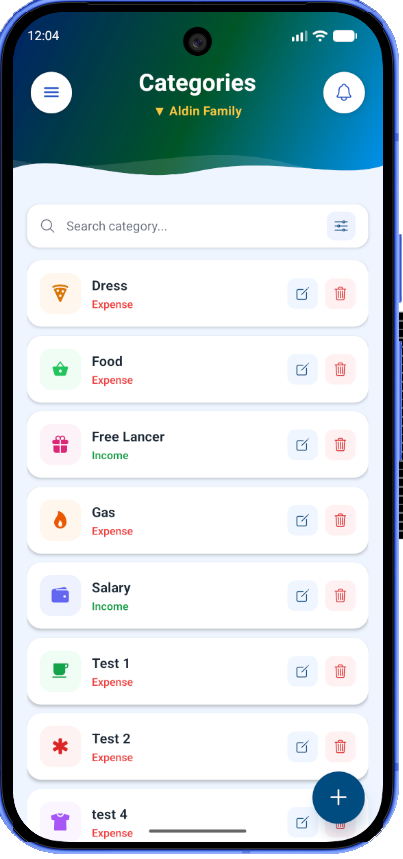
Manage family expense and income categories with icons and colors.
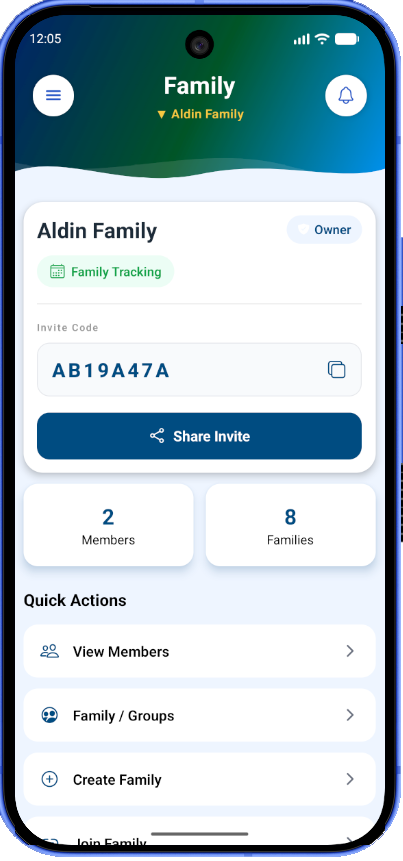
Family management screen for creating, joining and switching family groups.
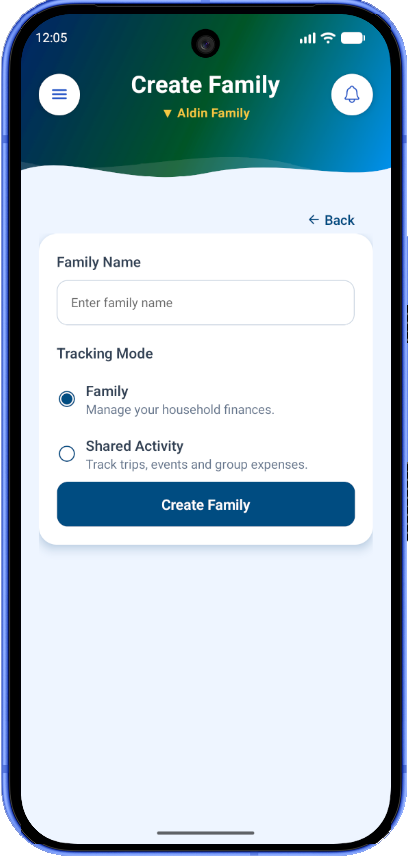
Create a new family group in FimNest.
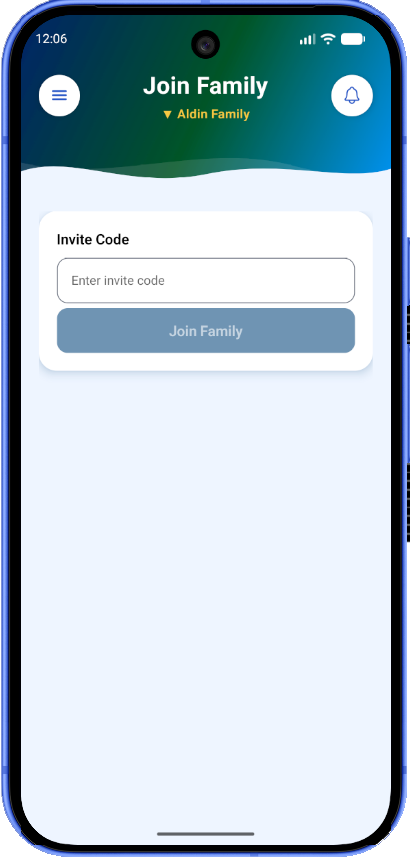
Join an existing family using an invitation code.
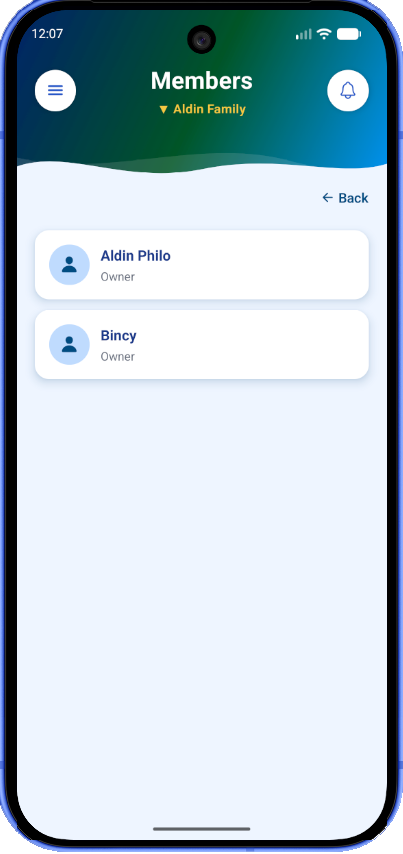
View and manage members of the selected family group.
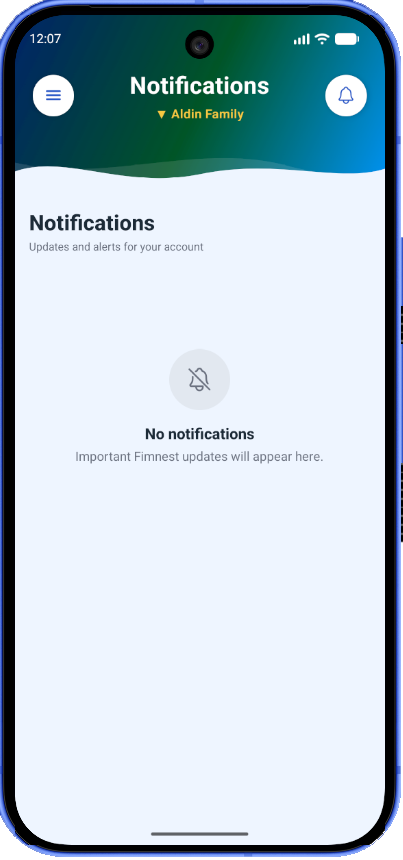
Notification center for user-facing updates, unread status and notification history.
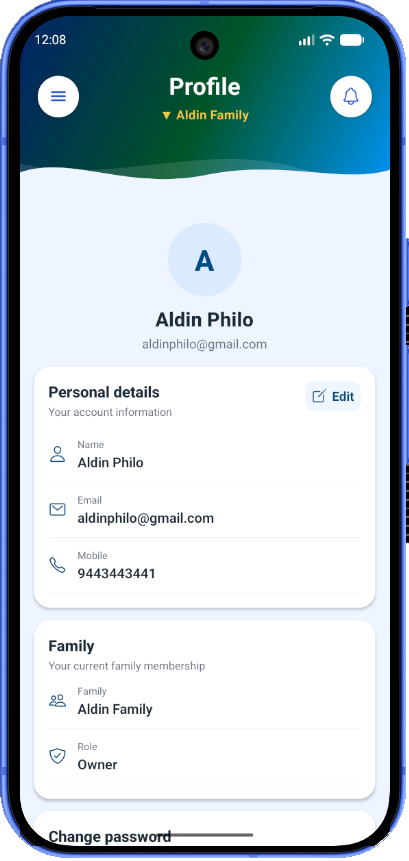
View and update account details, family information and password settings.
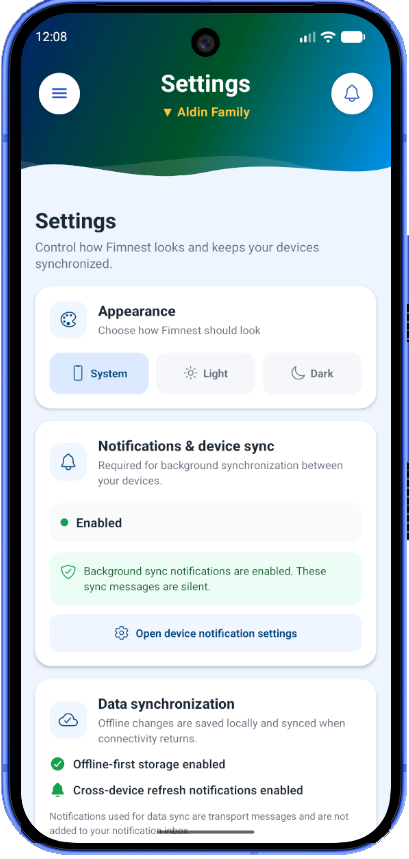
App settings including appearance, notification permissions and synchronization information.
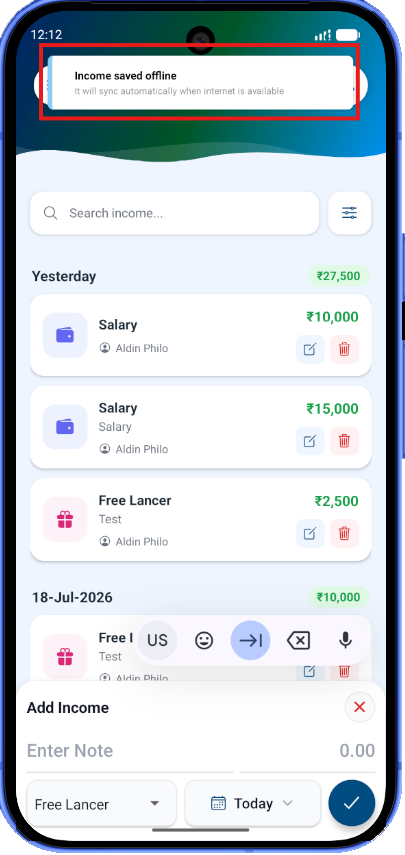
FimNest continues working with local SQLite storage when the internet is unavailable.
Background synchronization keeps family data aligned across devices.